For self-publishing authors
From first draft to finished book.
Paperlight typesets your book like a professional designer would: print-ready for Amazon, IngramSpark, Barnes & Noble, Lulu and Bookvault, plus an ebook for every store. Bring the manuscript you have, or write it here.
Free to write, preview and make your ebook. Print files $24 a year. No account, nothing uploaded. Open a sample book
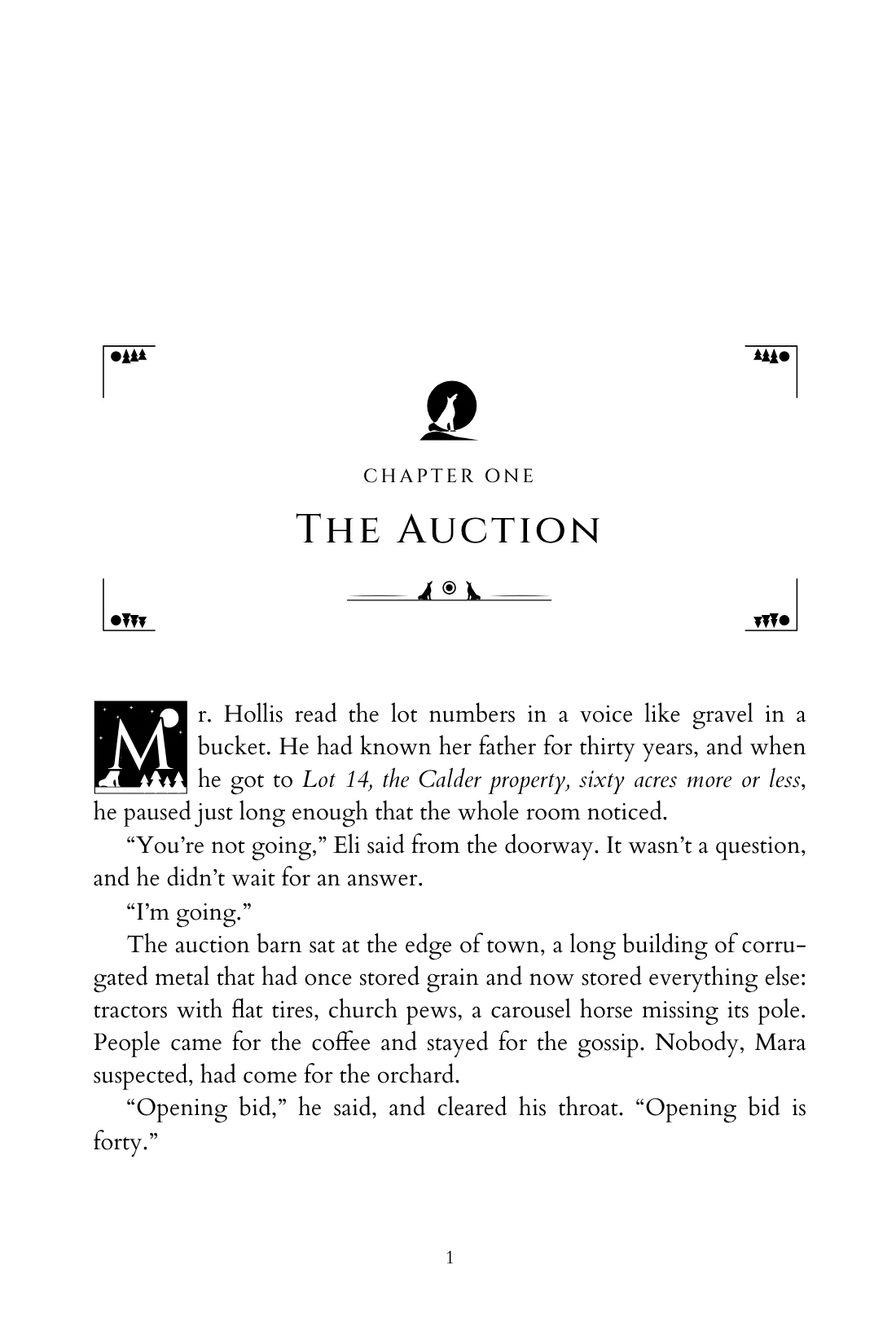
A typed manuscript page turns into the same words set as the opening page of a printed chapter, with an ornament, a chapter heading and an ornate first letter.
Three steps to a book you’re proud of
The manuscript you have, the book your readers hold
Double spacing, typed indents and blank lines are how manuscripts are written. Paperlight reads them the way a professional formatter would and sets the words on proper book pages.
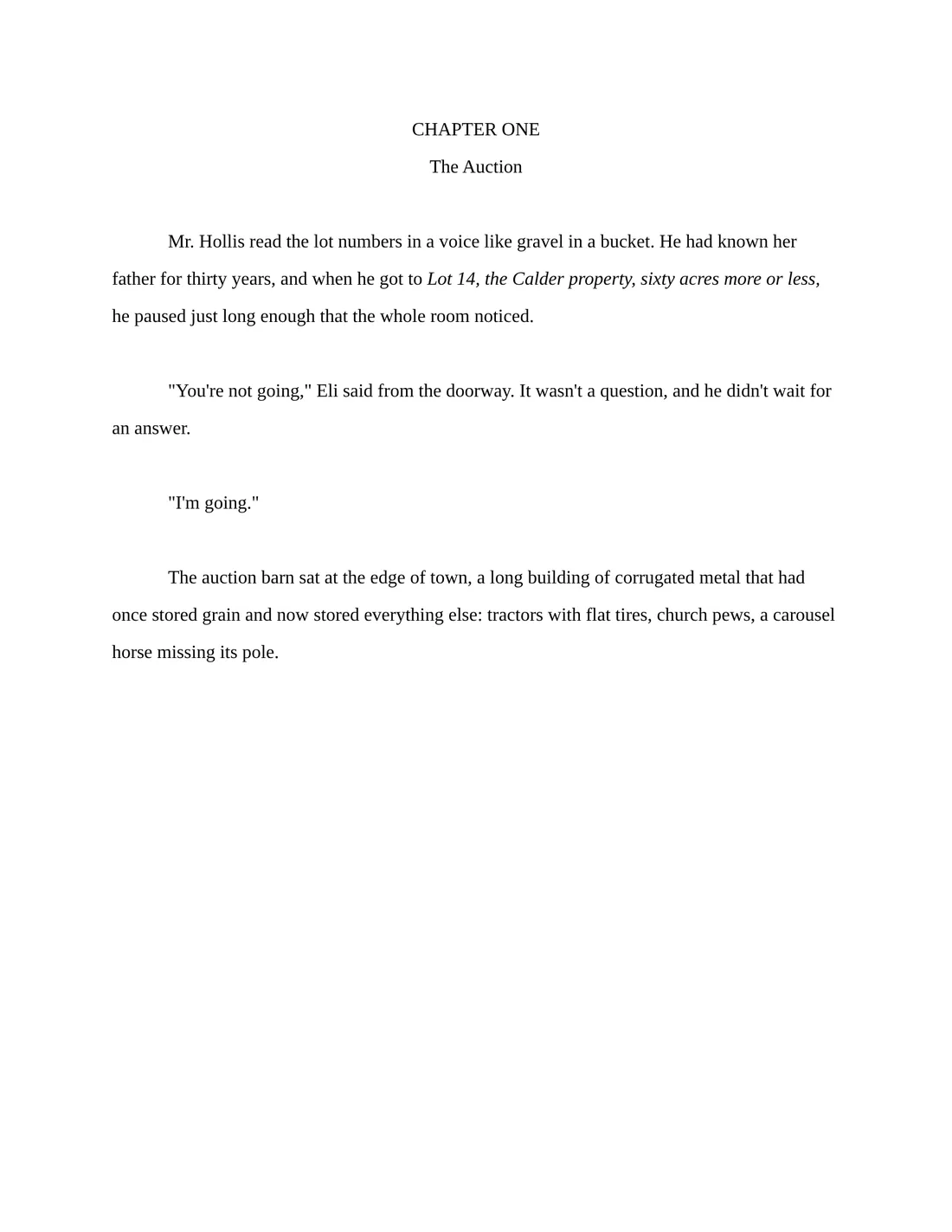
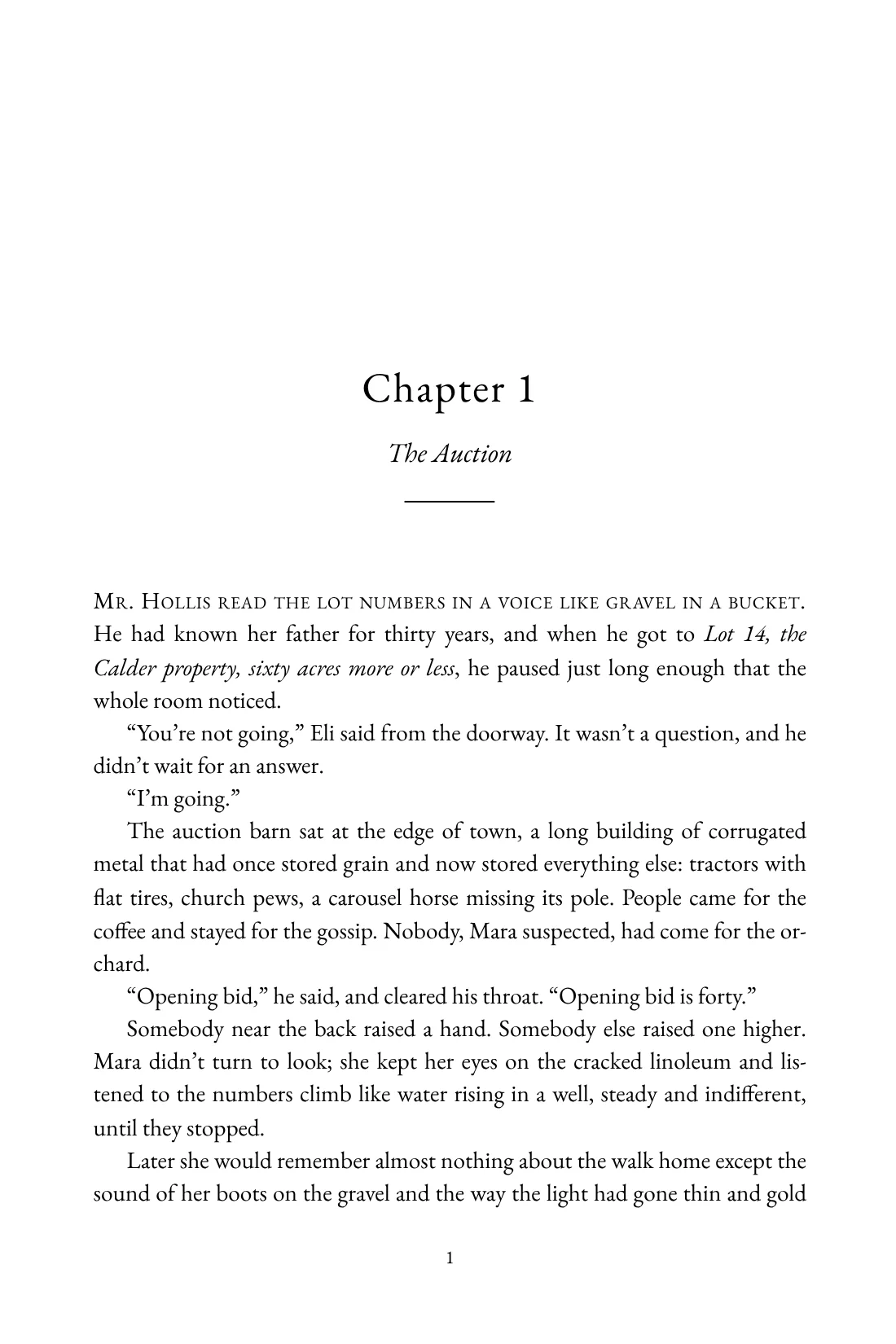
129 styles, each made for a shelf. Or design your own.
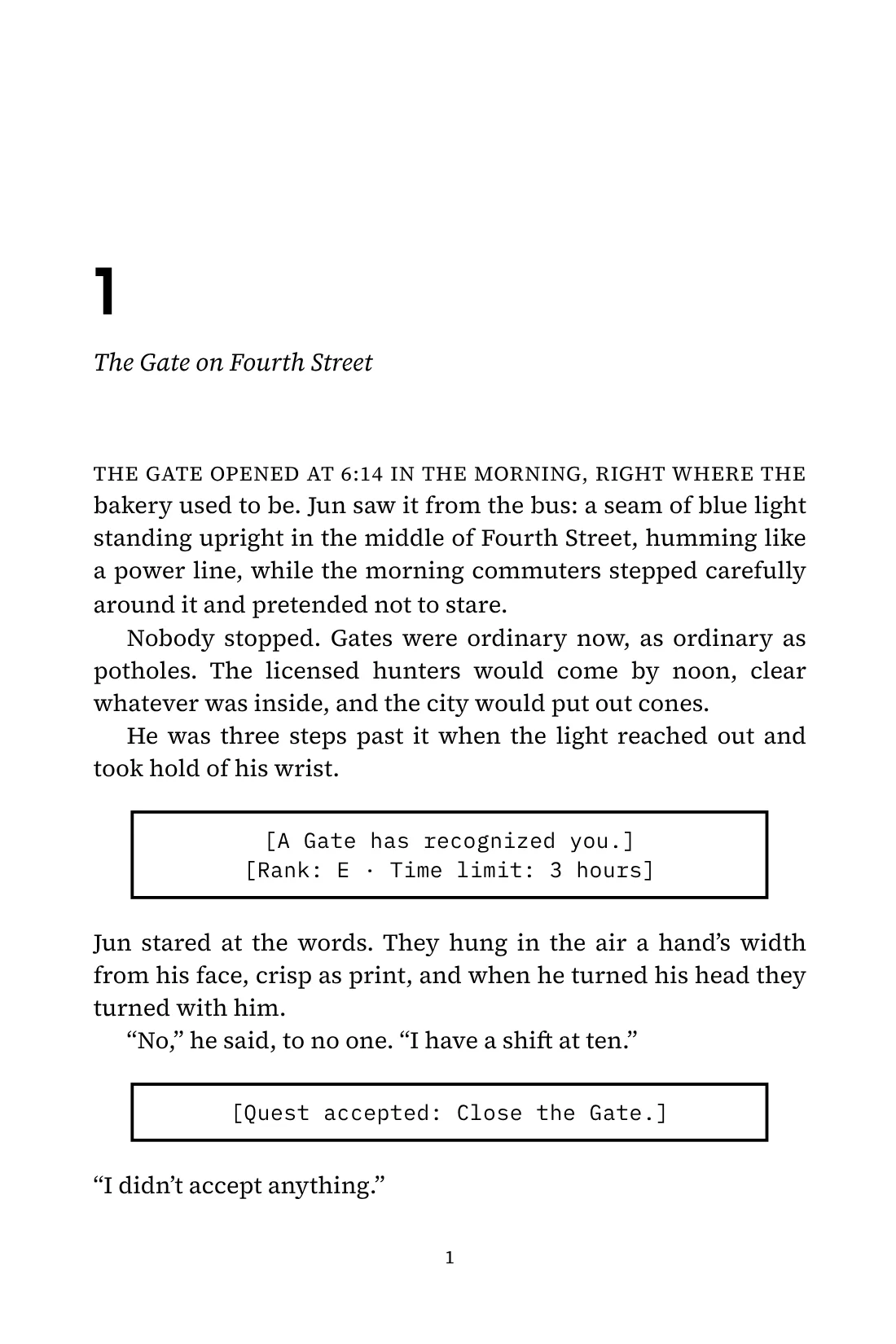
From literary fiction to grimdark, gothic, fairy tale, art deco, space opera, LitRPG and light novels, with system windows for every [Quest accepted]. Click any style to see the page up close, or design your own with full control: 91 typefaces (or your own), frames, ornamental initials, page numbers and every ornament below.
Same words, every look
One opening page, set exactly as each style prints it. Point at it to hold a look.
From the shelf
Real opening pages. Turn the shelf and open any of them on the sample book.
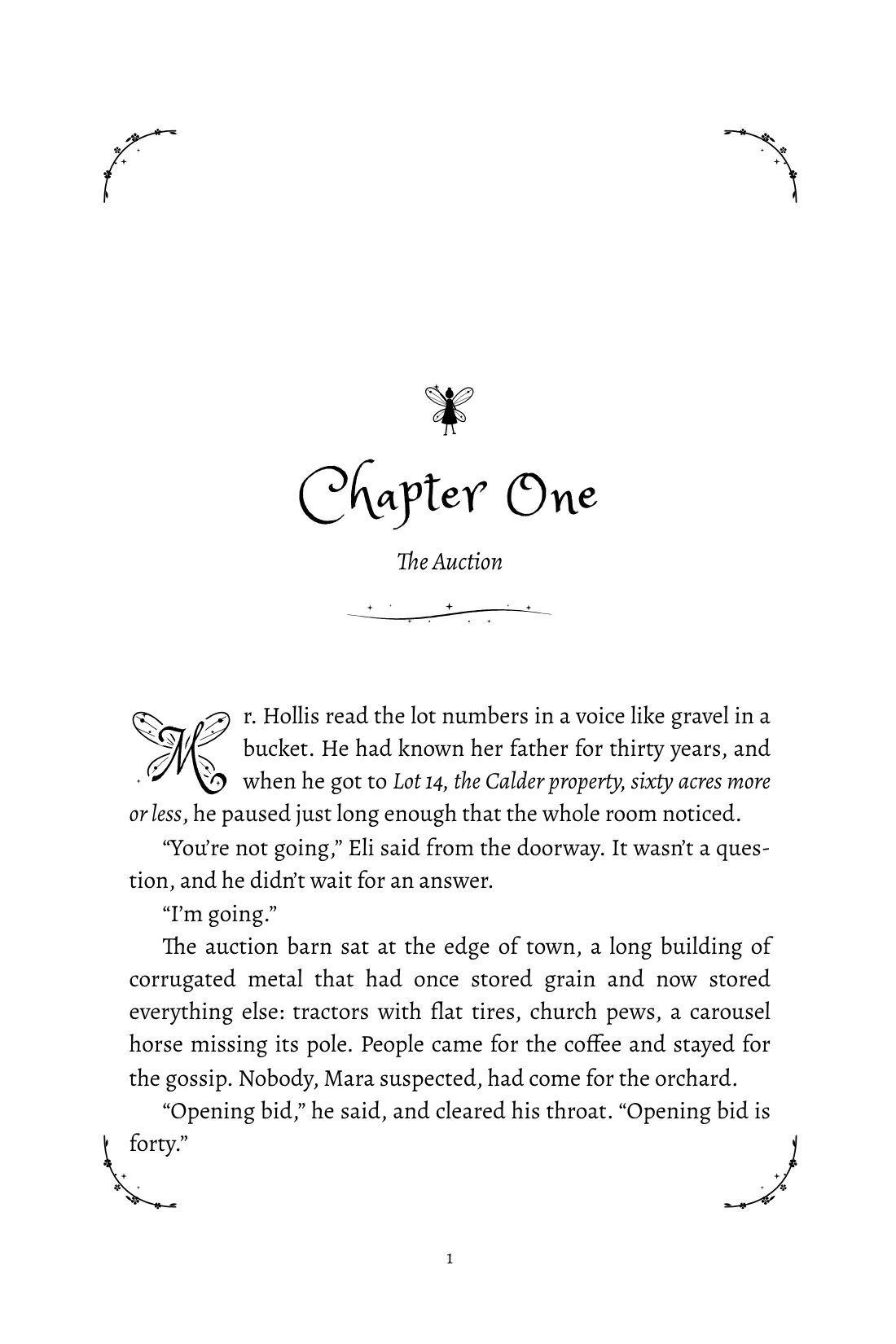
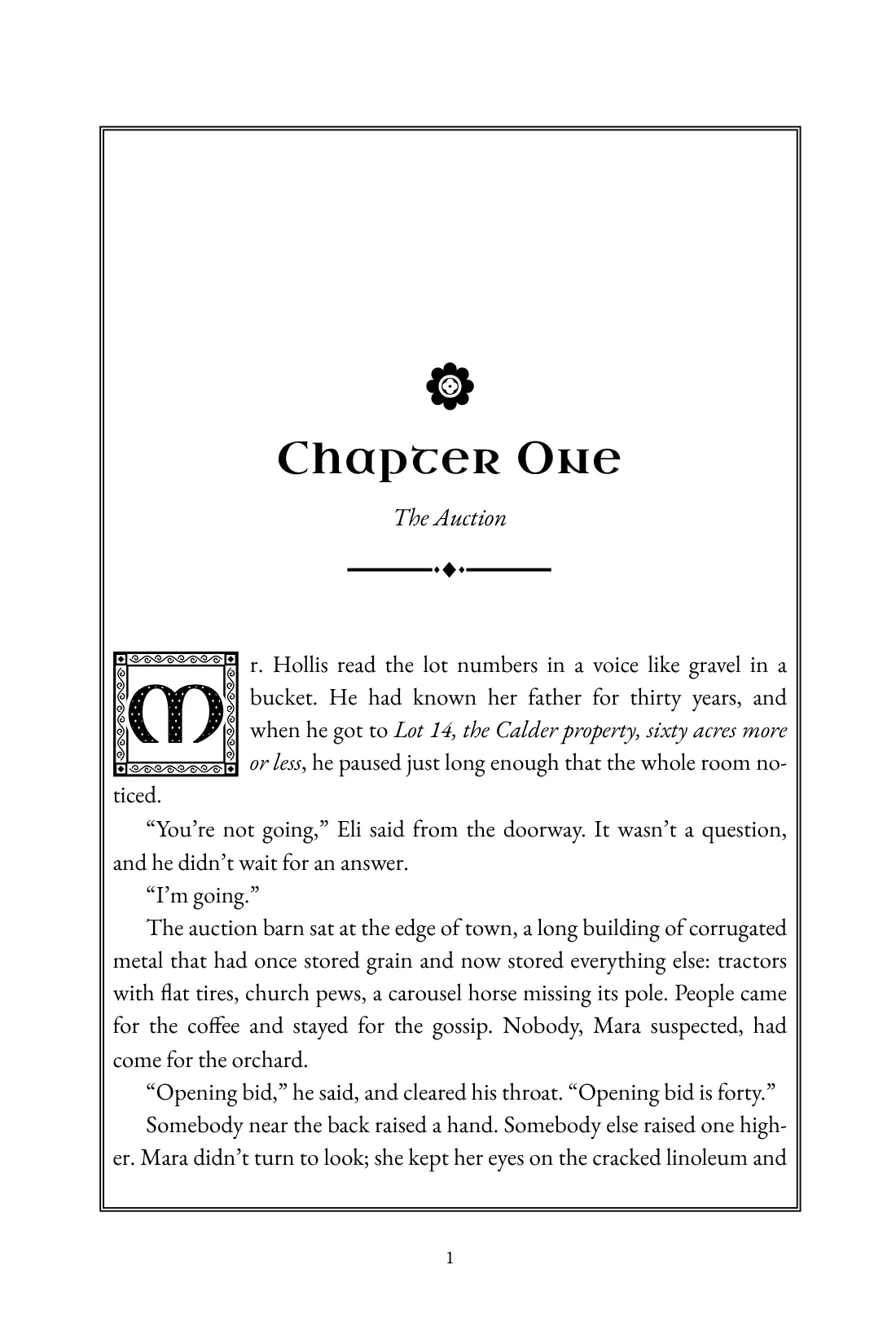
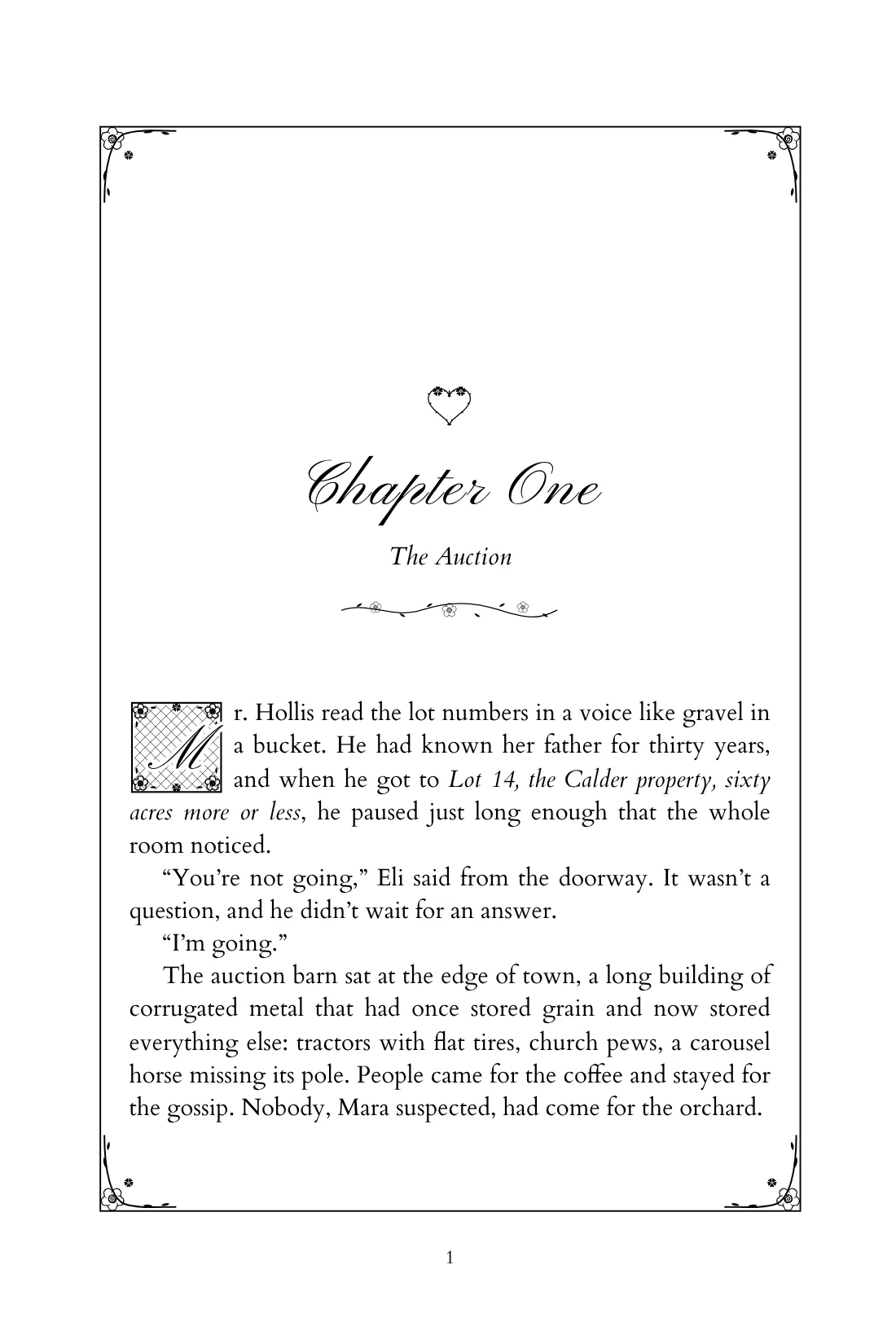
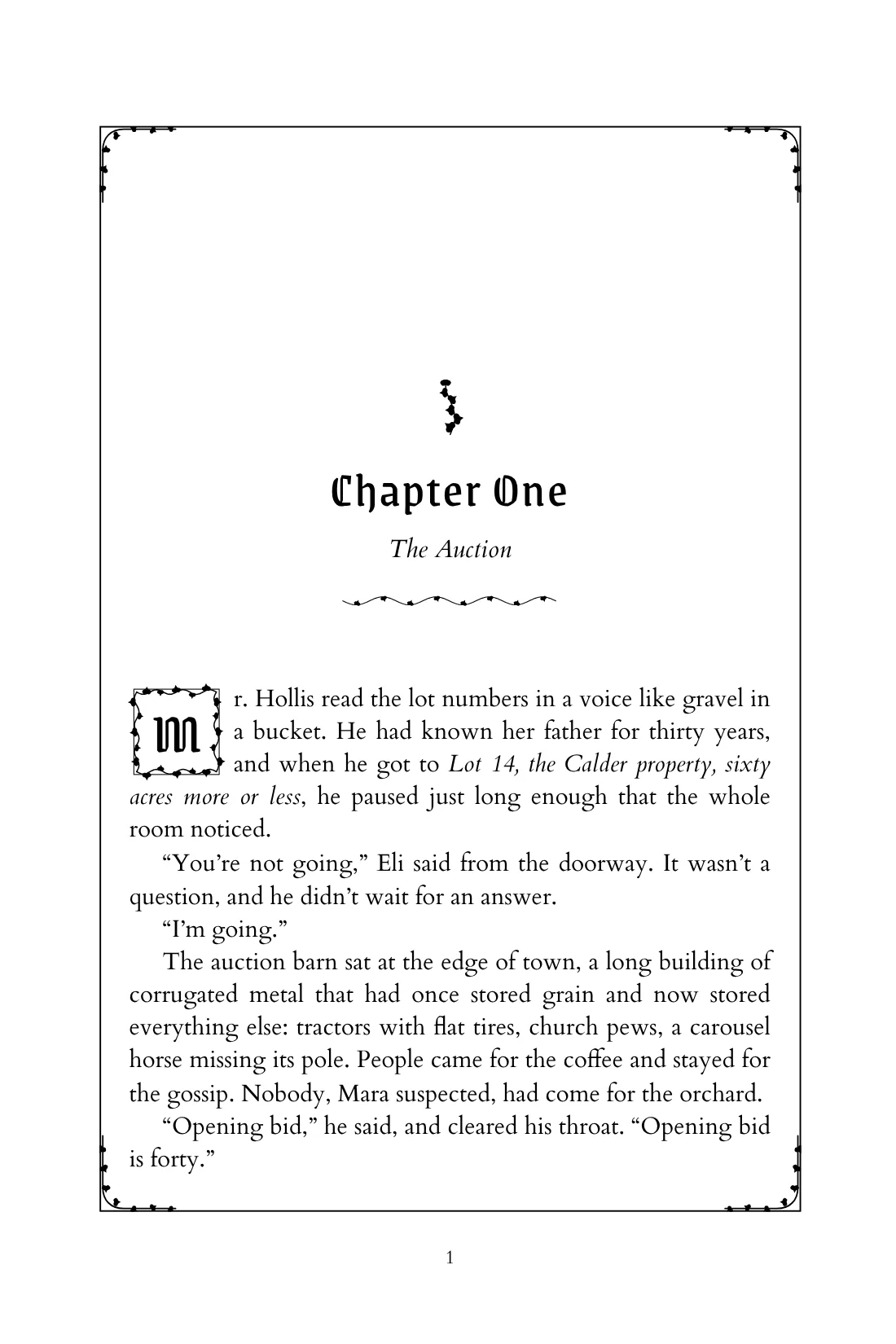
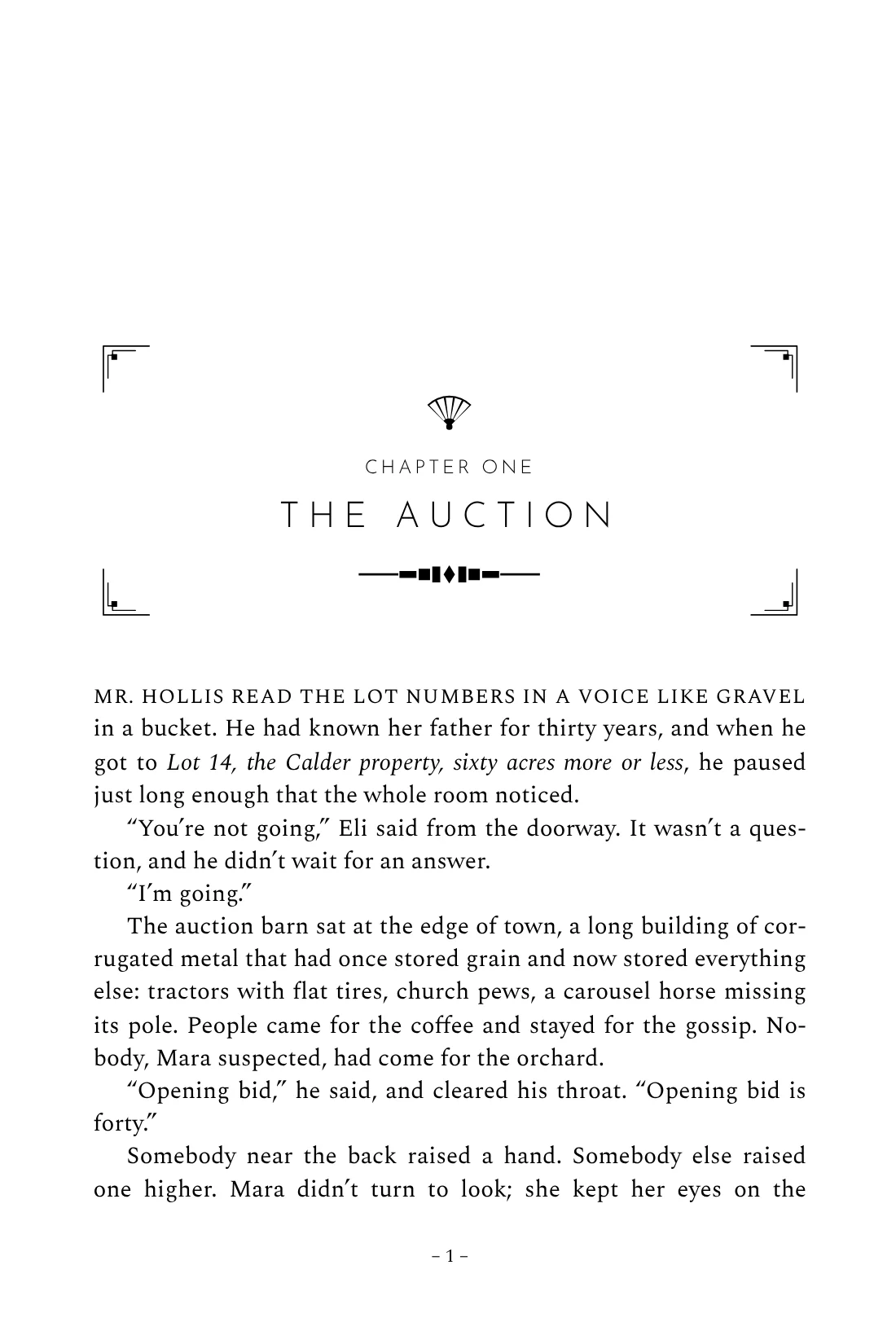
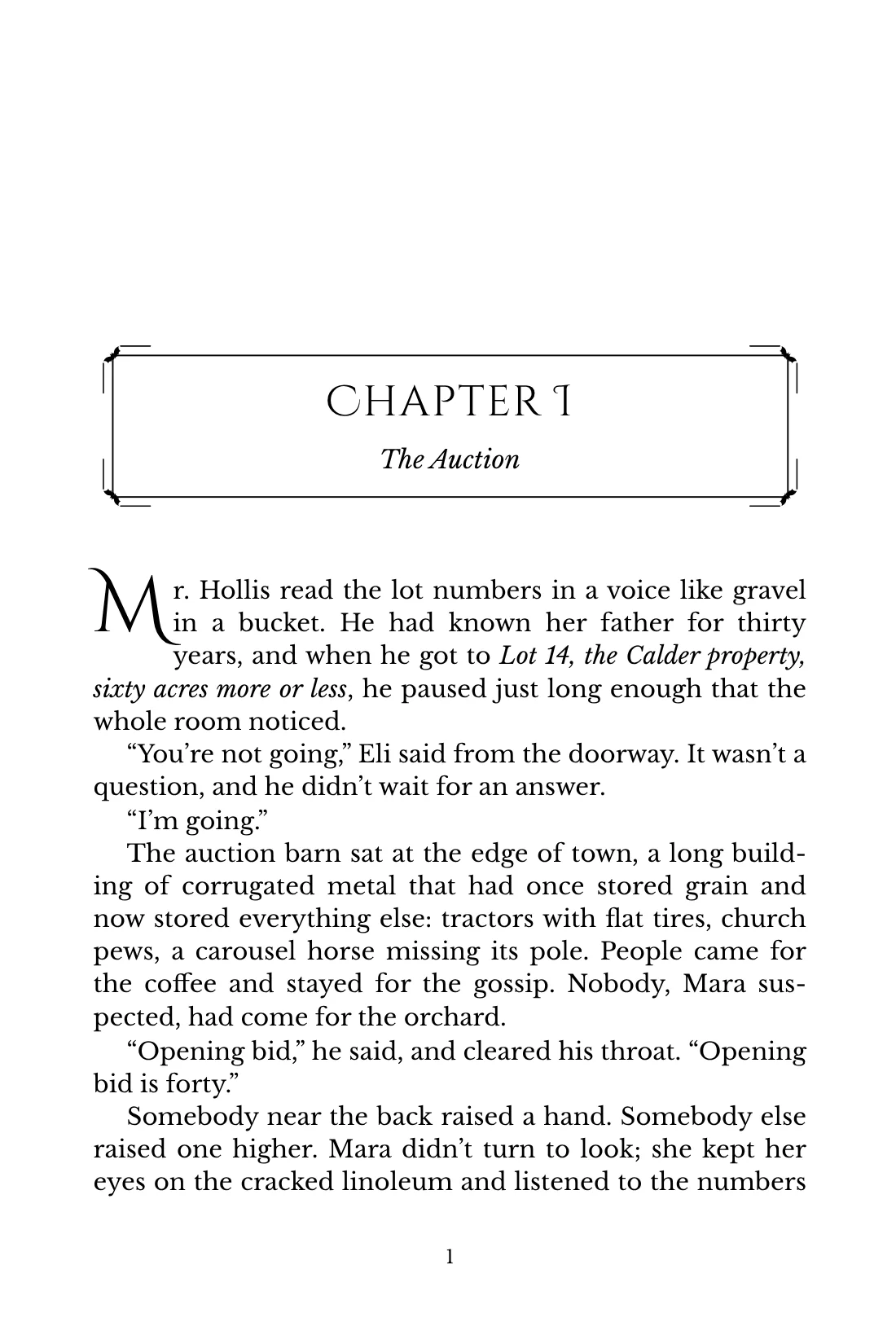
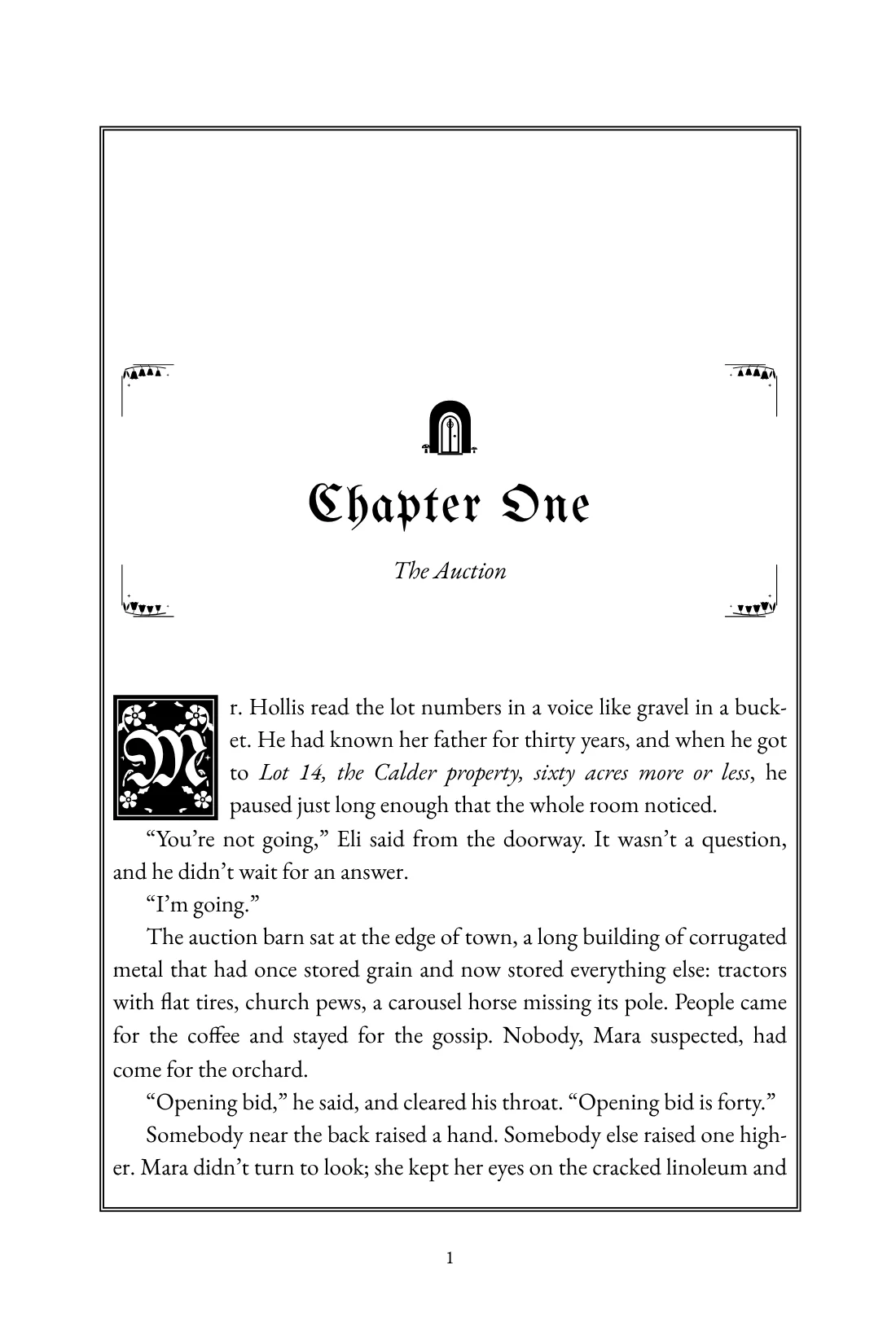
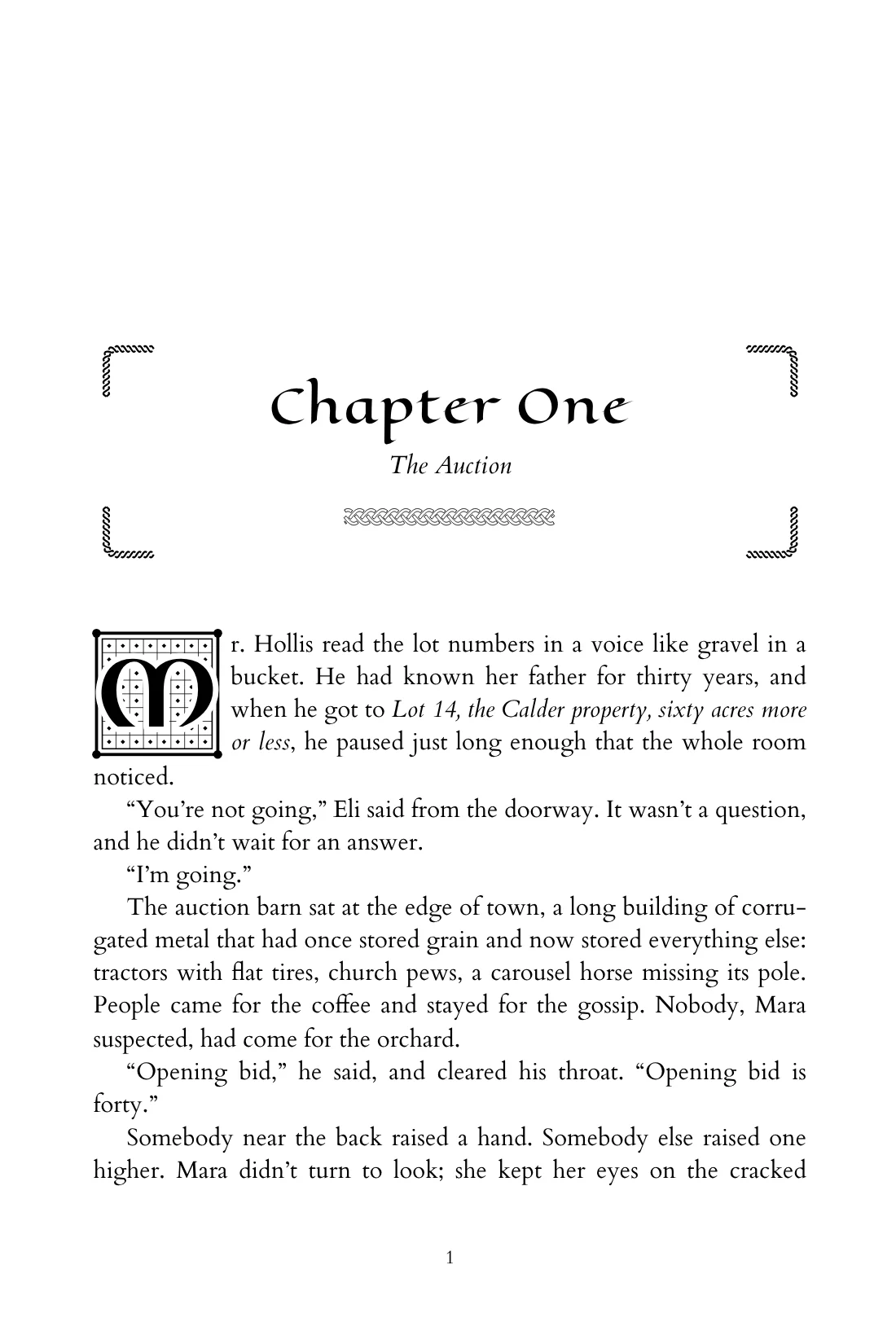
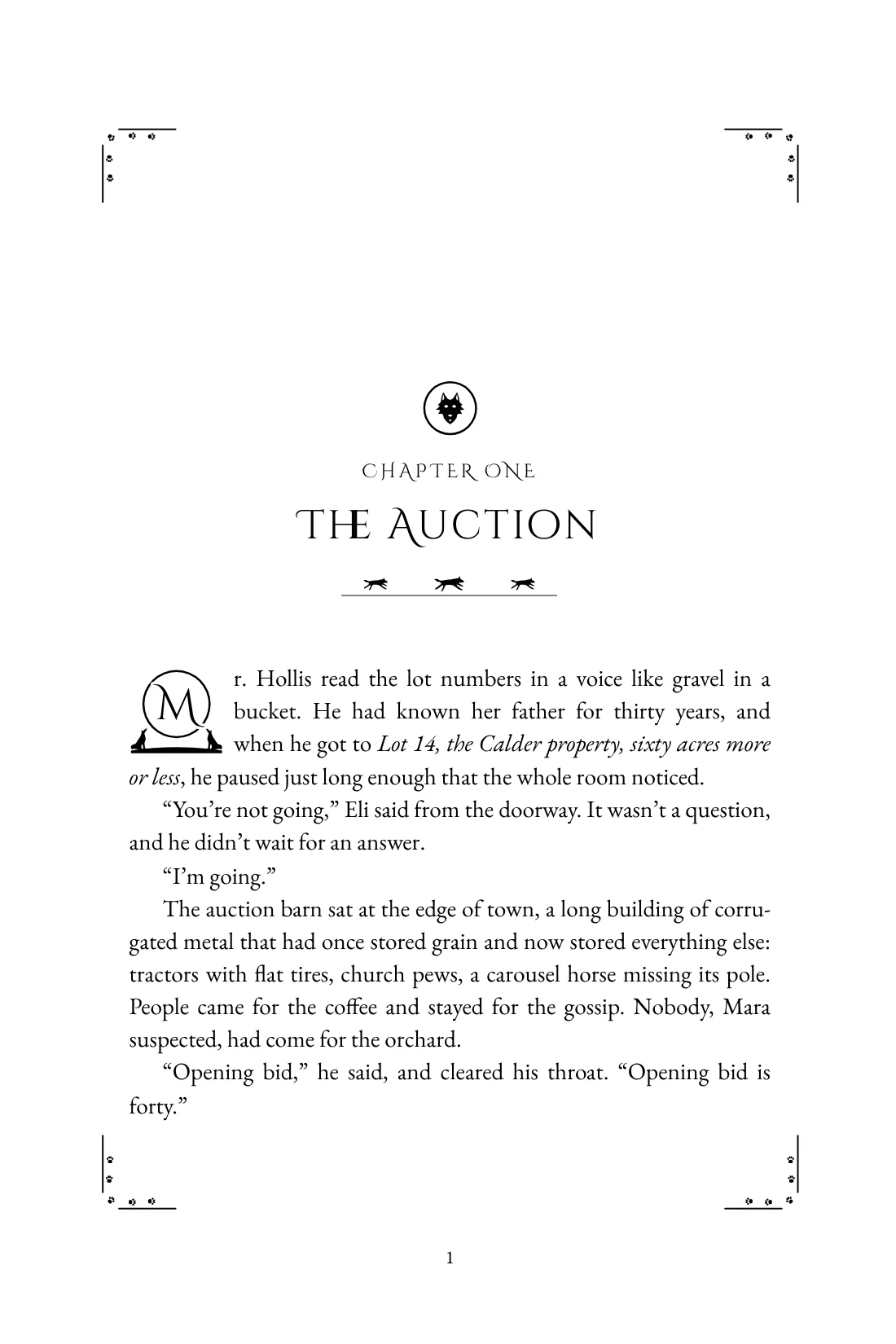
540 drawn ornaments. Make the book yours.
Dragons and runes, wolves and roses, fairies and ivy, skulls and ravens, maces and swords, Celtic knotwork, castles and heraldry, pen flourishes, filigree, art deco and starships. Put them above or below a chapter title, either side of it, between scenes, at the end of every chapter, or in a frame round every page: fine rules, ornaments down the sides, or corner pieces. Every one is drawn for print and stays crisp in ebooks, in light or dark mode.
- Longsword
- Crossed swords
- Dagger
- Battle axe
- Heater shield
- Iron crown
- Dragon eye
- Dragon wings
- Castle tower
- Potion flask
- Crystal cluster
- Rune circle
- Open book
- Chalice
- Wizard staff
- Knight’s helm
And 97 ornamental initials, in any colour
Open each chapter with a drawn initial: woodcut, illuminated, Victorian engraved, tall filigree, fairy-tale gold on black, Celtic knotwork, wolves and roses, the letter set in blackletter, uncial, script or any font you like. Print it in ink, or give any letter a colour scheme or your own colours for a colour edition. Or put your monogram on the title page.
By the numbers
Enough choice to make every book its own
Every style, ornament, ornate letter and trim size is included. Write for free; pay only when you print.
- book styles, 540 drawn ornaments and 97 ornate letters, or design your own
- 129
- trim sizes, pocket to A4, or your own
- 28
- printers, one PDF checked against each
- 5
- to write, preview and make your ebook
- $0
Free writing desk
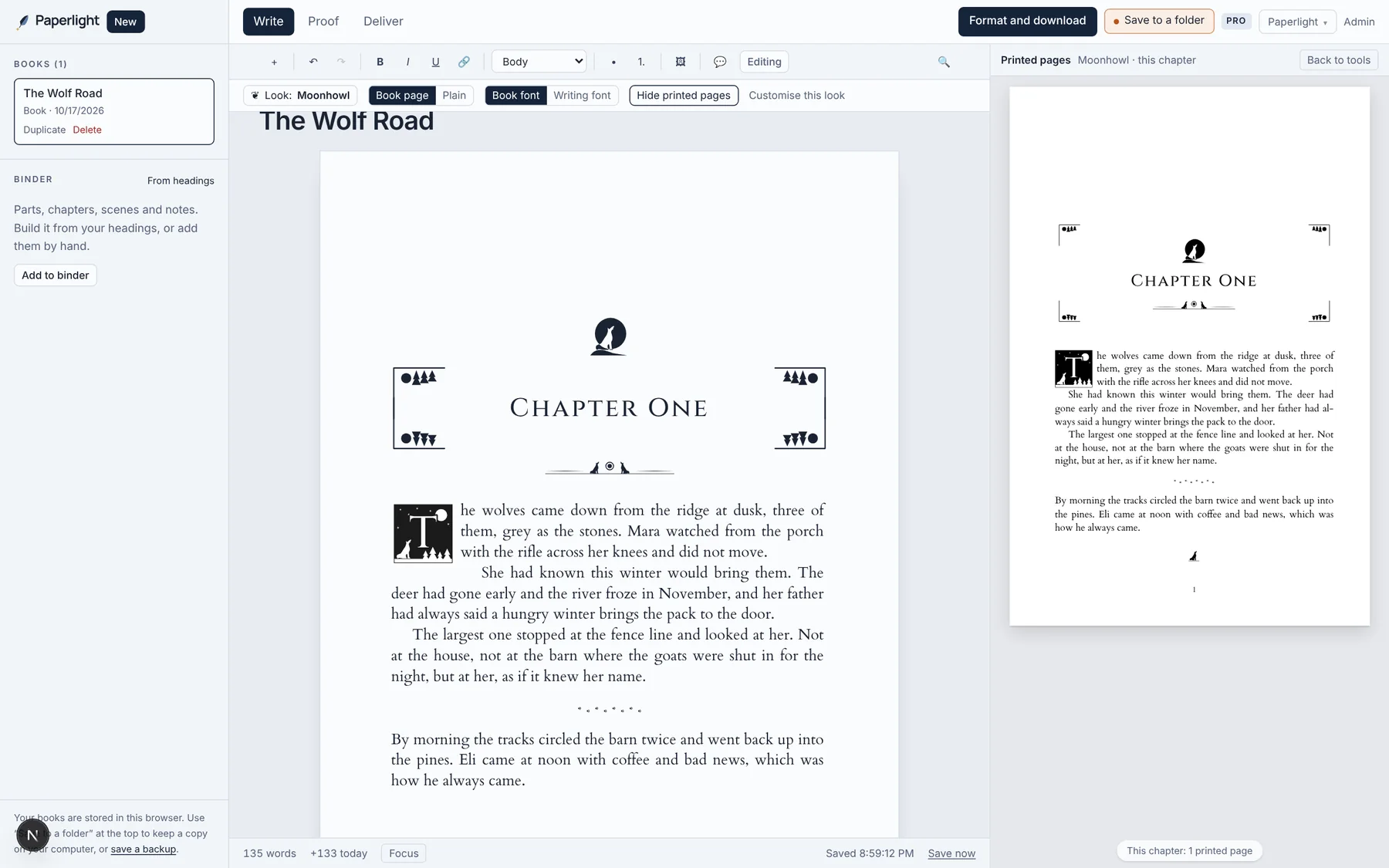
Write it in its finished look.
Choose from 129 looks before the first word, and write on a page that already looks like your book, with the real printed pages beside you. It’s the same style the formatter uses, so what you write in is what prints. When you finish, press “Format and download” and it’s a book. Free for as long as you’re writing.
- Formatted as you writePick your book’s look first. Its headings, ornaments, ornate letters and scene breaks appear as you type, with the printed pages beside you.
- An outline you can rearrangeEvery chapter with its word count. Move one and its scenes go with it.
- Goals and streaksSet a target and a deadline; Paperlight works out the words a day.
- A story bibleCharacters, places and things, and where each first appears.
- Saved versionsOne kept every day, and any time you ask. Going back never loses a word.
- Focus modeJust the page, until you press Esc.
- Saved to your own folderPut it in OneDrive, Dropbox or iCloud and your book follows you to every computer.
See it work in about a minute
A Word manuscript goes in, the chapters are found, and the whole book re-sets as styles change. Then the same book as an ebook on a phone and an e-reader. Recorded in Paperlight, not mocked up.
Everything a printed book needs
The details readers notice without knowing why, and the rules printers reject files for.
- Chapters found for you
- Heading styles, “Chapter One” lines, bare numbers, prologues and epilogues all become chapters. Scene breaks like *** and # become proper breaks.
- Full, even pages
- Justified text with hyphenation, every page filled to the same bottom line, no lonely last lines at the top of a page.
- Front and back matter
- Title, copyright and contents pages with real page numbers. Your bio, newsletter and “Also by” page, written once and kept current in every book.
- A cover for every printer
- Design your cover in Paperlight, or on a template sized for each printer: the spine worked out from your page count, bleed or hardcover wrap, safe lines and the ISBN barcode. Download a print-ready cover PDF for each one.
- Built to each printer’s rules, then checked
- Amazon KDP, IngramSpark, Barnes & Noble Press, Lulu or Bookvault, or several at once. Paperlight checks your saved PDF against each one before you upload.
- A free ebook for every store
- An EPUB with your cover and chapter style that passes EPUBCheck and the DAISY Ace accessibility check. Preview it on a phone, e-reader or tablet first.
- Every edition from one file
- Paperback, a 16 pt large-print edition, hardcover and colour, each with its own page-count rules checked.
- Series and box sets
- Books in a series share a look automatically. A box set stays in step with the books inside it.
- Maps and chapter art
- A map or family tree before chapter one, a small picture atop every chapter, checked for print resolution.
- Footnotes at the foot of the page
- Curly quotes, dashes and ellipses fixed
- IngramSpark PDF/X-1a (beta)
- Store-specific ebooks
- Reviewer copies and free samples
- Full style editor: frames, drop caps, page numbers
- Cover designer and templates for every printer
- Chapter numbers your way
- 91 commercial-use fonts
- No AI, ever
Write free. Publish for $24 a year.
Paperlight Pro
$24a year
That works out to $2 a month. Every book, every edition, all year.
- Print-ready PDF with the fonts embedded
- Packs for Amazon KDP, IngramSpark, B&N Press, Lulu and Bookvault
- Print cover PDFs at each printer’s exact size, with the ISBN barcode
- IngramSpark PDF/X-1a, converted in your browser (beta)
- Store-specific ebooks with the right links in each
- Large print, hardcover and colour editions
- Box sets that stay in step with their books
- Advance reader copies and free sample chapters
- Back matter that stays current across all your books
- Unlimited books and re-exports all year
Free, always
- Write your book: outline, goals, story bible, saved versions, focus mode
- Saved to your own folder as you write (Chrome, Edge, Opera, Vivaldi, Brave)
- Your words as Word, Markdown or text, any time
- Import your Word manuscript
- Your ebook (EPUB) with its cover, for every store
- Every book style and trim size
- The full live preview, every page
- Fine-tune fonts, size, spacing and scene breaks
- Check any PDF against each printer’s rules
- Cover designer and cover templates sized for each printer
- Standard manuscript .docx for agents
| Paperlight Pro | $24 a year | Windows, Mac or Chromebook |
|---|---|---|
| Vellum Press | $249.99 once | Mac only |
| A freelance formatter | from about $20 a book | Changes and new editions usually cost extra |
| A professional book designer | about $800 a book | Industry average, 2026 |
Questions
Will the printer accept the files?
Paperlight builds every PDF to the published specifications of the printers you pick: the exact trim size, the inside margin each requires for your page count, embedded fonts, no text under 7 pt, odd page numbers on the right. Then it checks the PDF you saved against each printer’s rules. The EPUB passes EPUBCheck, the validator the ebook stores use.
Do I need a Mac?
No. Paperlight runs on Windows, Mac, Linux or a Chromebook, in Chrome, Edge, Brave, Opera, Vivaldi, Arc, Firefox or Safari. Writing, the preview and the ebook work in all of them. Saving the print PDF is tried and tested in Chrome, Edge, Brave, Opera, Vivaldi and Arc, and in beta in Firefox 95+ and Safari 18.2+.
Can I write my book in Paperlight?
Yes, free. The writing desk has an outline, word-count goals, a story bible, saved versions, focus mode, comments and suggestions. When you finish, the book is already in the formatter. Writing in Word works just as well: bring the file in.
What if I clear my browser, or change computers?
In Chrome, Edge, Opera, Vivaldi or Brave, choose “Save to a folder” and Paperlight keeps a copy in a folder on your computer as you write. Pick one in OneDrive, Dropbox, Google Drive or iCloud and link it on your other computer: your books come across. In any browser you can also save a backup file.
Is my manuscript uploaded anywhere?
No. Your book is written, read, laid out and saved inside your own browser. Nothing is sent to a server.
Does Paperlight use AI to change my writing?
No. Paperlight never writes, rewrites or “improves” your words. It only sets them on the page.
Why a yearly price instead of paying once?
Because a published book keeps changing. Readers find typos, you add a newsletter link, each new release belongs in the “Also by” page of every earlier book. With Paperlight each of those is a two-minute re-download, as often as you like, for $24 a year.
What’s free?
Writing your book with every writing tool, importing your manuscript, every style and trim size, fine-tuning, the full preview of every page, the PDF checker, and your ebook with its cover. You pay only for the print files and the extras: the print PDF and PDF/X, the publishing packs, large print, hardcover and colour, box sets, store-specific ebooks, advance copies and samples.
Your book is closer than you think.
See it laid out, every page, before you pay a cent.